TutorialFeatured
How to Remove a Password from a PDF — Free Online
Whether you know the password or just need to unsecure a PDF you own, here is every method explained clearly.
Apr 12, 20265 min read
Read article Practical tutorials to help you work faster and smarter with PDF files.
Whether you know the password or just need to unsecure a PDF you own, here is every method explained clearly.
Got a PDF with blank pages, duplicate content, or pages you just don't need? Here's how to remove them in seconds.
Whether you need to separate one chapter from a book or break a document into individual pages, splitting a PDF takes seconds.
Adding page numbers to a PDF is one of those simple tasks that can be surprisingly hard to find a free tool for. Here's the easiest way.
A PDF with sideways pages is one of the most frustrating document problems. Here's how to fix it in seconds.
Watermarking a PDF protects your work, marks document status, and deters unauthorized sharing. Here's how to do it for free.
Translating a PDF doesn't have to mean copying text into Google Translate manually. Here's how to translate an entire PDF document in one step.
Google Drive does not have a native merge PDF button — but there are two easy ways to combine PDFs without leaving your browser.
WhatsApp's 100 MB file limit blocks large PDFs. Here is the fastest way to compress any PDF so it sends first time.
Google Drive's sharing permissions are not the same as PDF password protection. Here is how to properly encrypt a PDF from your Drive.
Google Docs can sometimes shrink a PDF, but the results are inconsistent and can make files larger. Here is what actually works.
Adobe Acrobat charges for redaction. Here is how to permanently remove sensitive information from a PDF for free — without any software.
Most 'free' PDF tools add watermarks unless you pay. Here is an honest comparison of tools that do not — and what they actually let you do for free.
Blank pages in PDFs usually come from scanned documents or poorly formatted exports. Here is how to remove them quickly on any device.
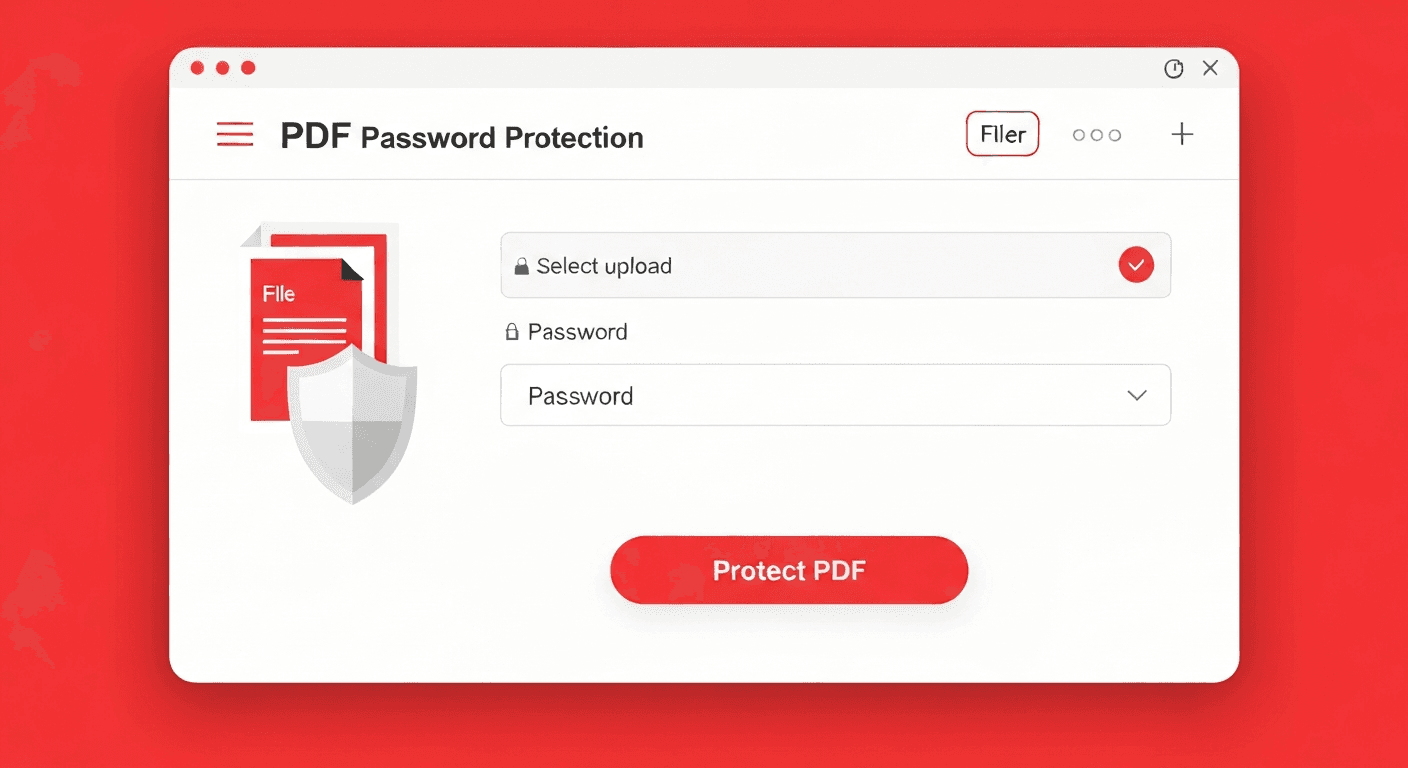
Flattening a PDF form permanently embeds all filled-in data and removes interactive elements so the form cannot be changed. Here is how to do it free.
No app, no account — here is how to add a watermark to any PDF on your iPhone directly in Safari.
Fix sideways or upside-down PDF pages on Android in seconds — directly in your mobile browser without downloading anything.
Need to sign a PDF on Android? Here are three free methods, including one that requires no app at all.
Your Android phone is a scanner. Here is how to turn any paper document into a clean PDF without any extra hardware.
No computer needed. Here are four free ways to turn a Word document into a PDF on iPhone in under a minute.
Translate a PDF from any language to English in seconds — no account, no software, works on scanned documents too.
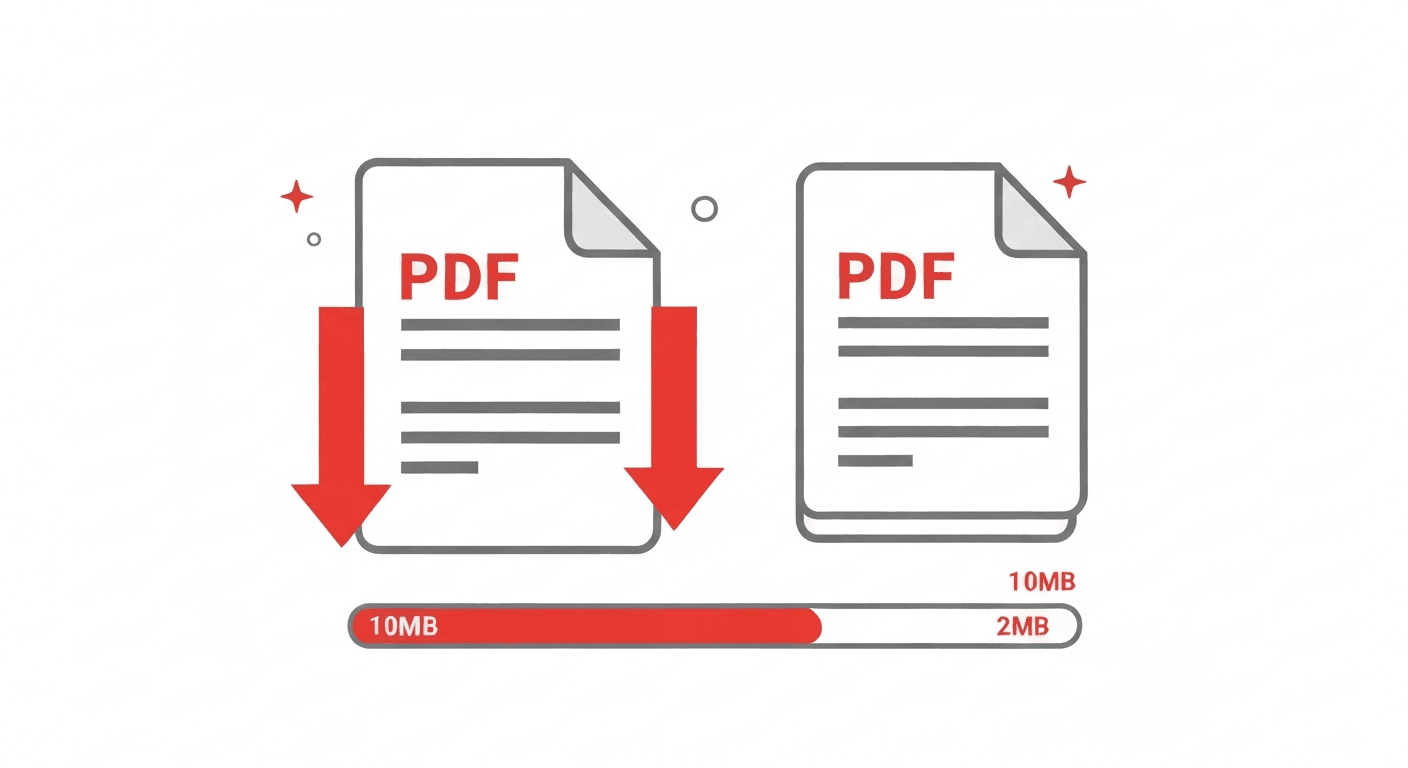
Your iPhone can compress any PDF in seconds — directly in Safari, no app download required. Here is exactly how.
Reduce your PDF file size by up to 80% without any visible quality loss. Here's how it works and what results to expect.
Convert PDF to Word and get a fully editable .docx in seconds. We explain how it works, what results to expect, and every edge case.
Locking a PDF with a password takes under 30 seconds. Here's how to do it for free, what encryption is used, and what to do if you forget the password.
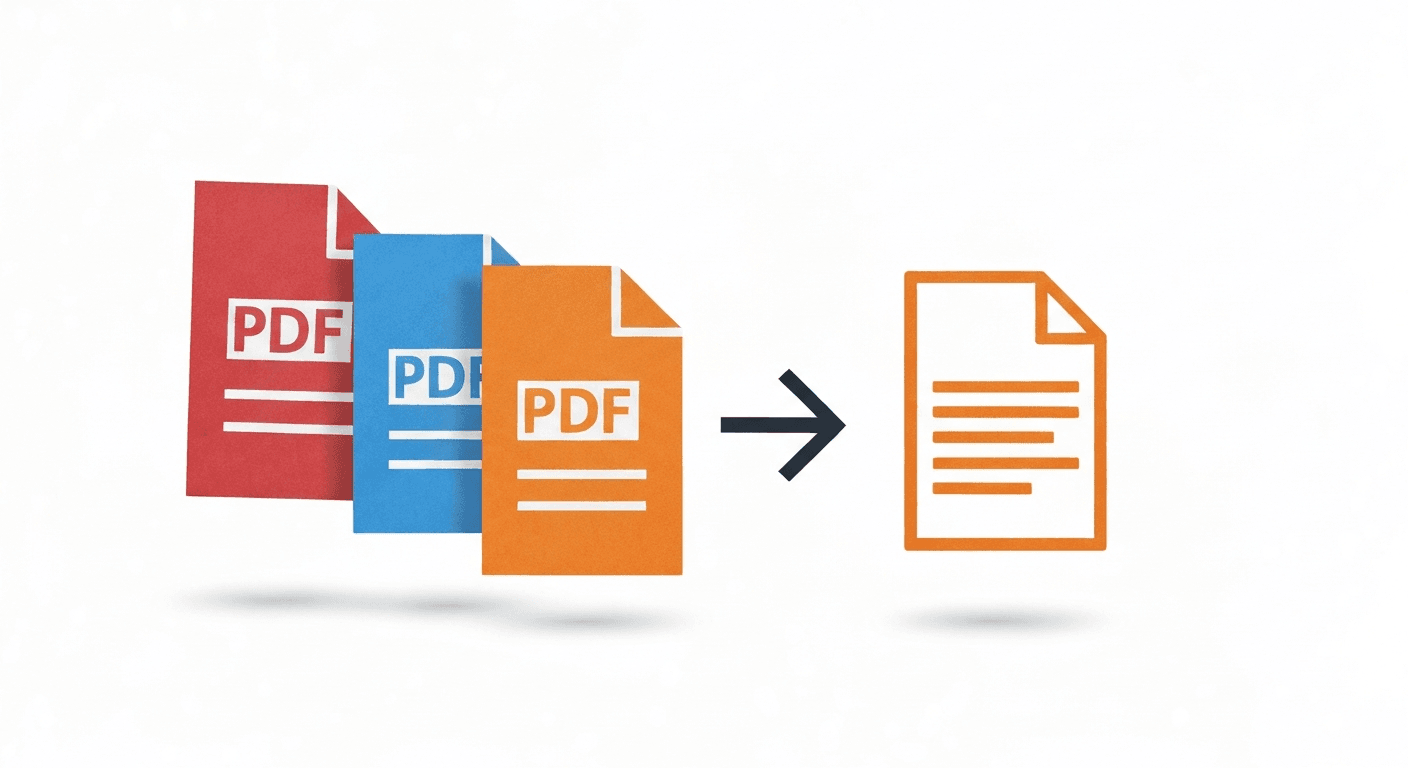
Combining multiple PDFs into one document takes under 60 seconds. Here's exactly how to do it for free, on any device.
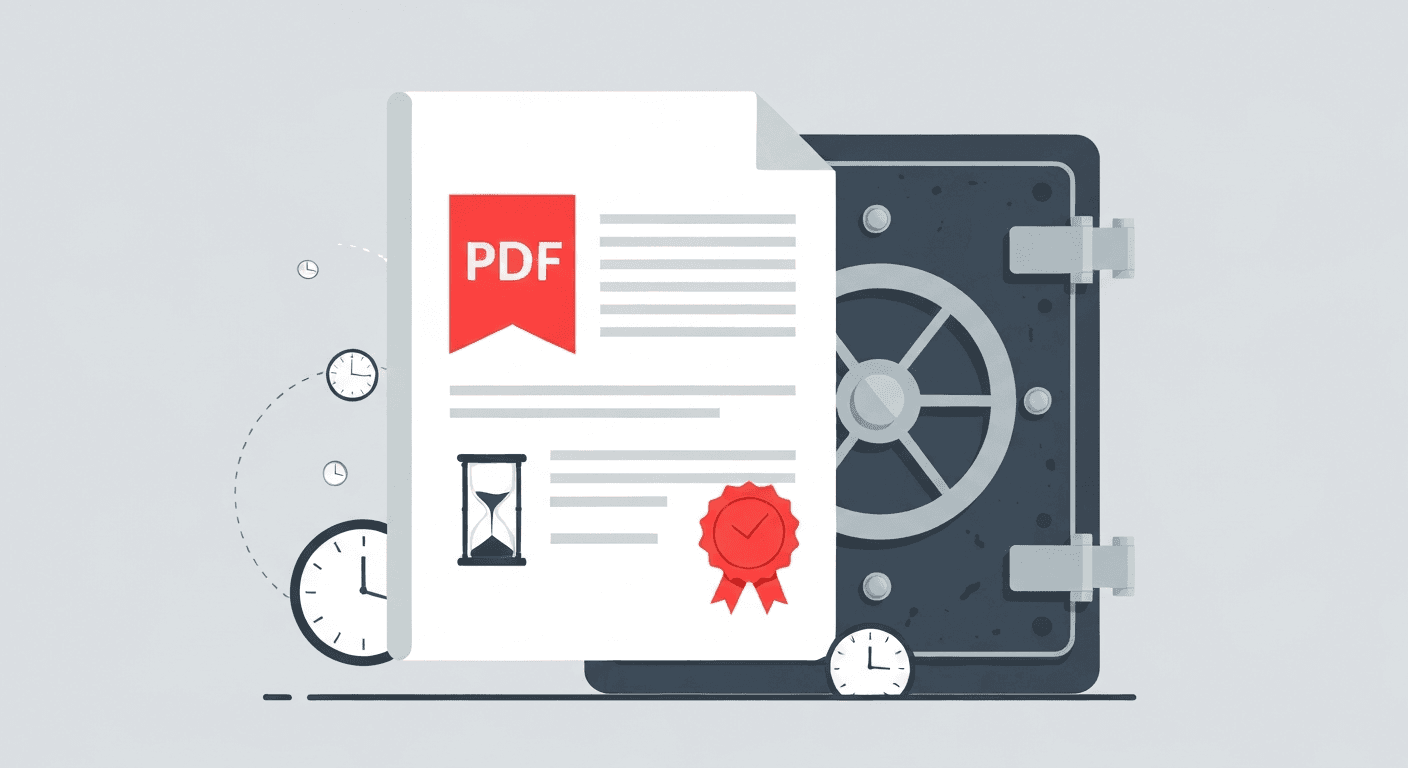
Courts, government agencies, and archiving systems often require PDF/A. Here's what it means and how to convert any PDF to this format for free.
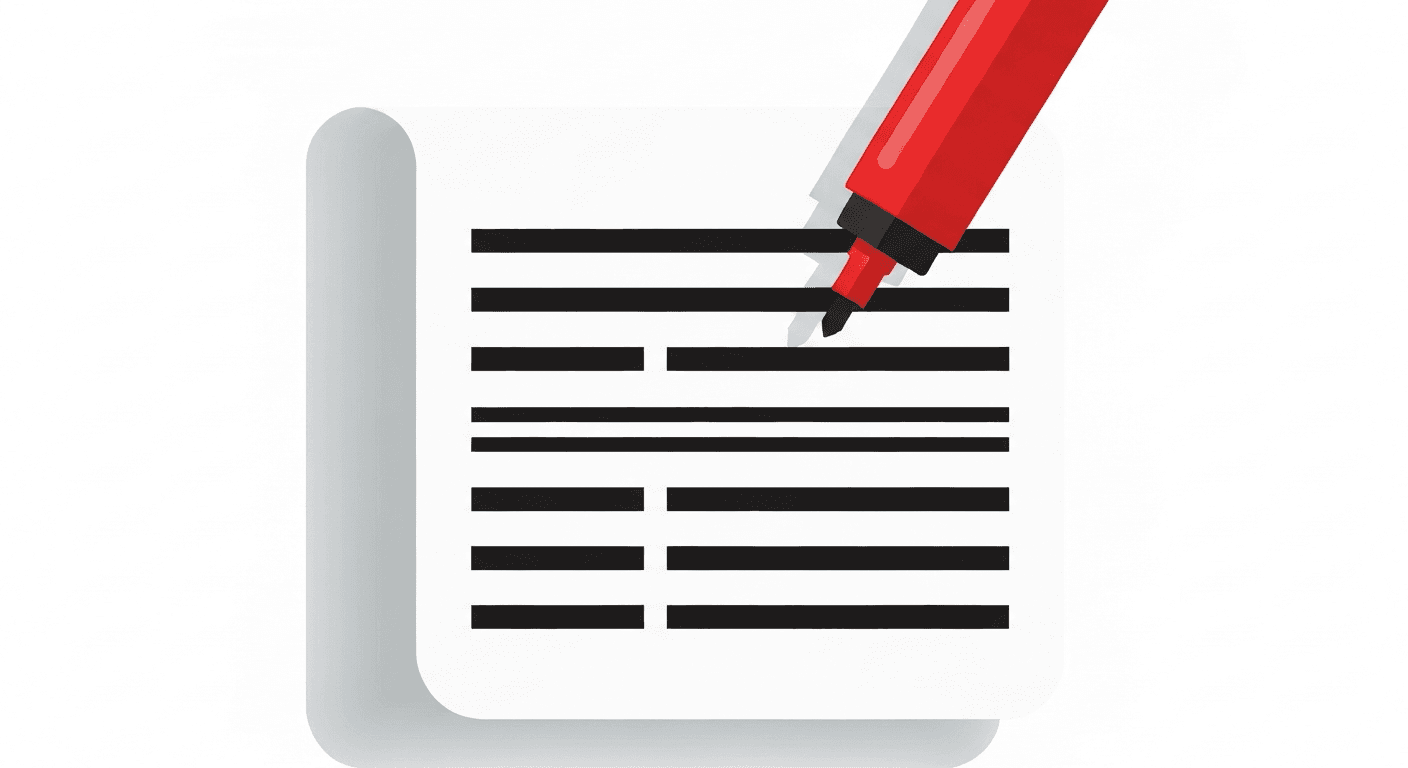
Adding a black box over text in a PDF editor is not redaction — the text is still there. Here's how to permanently remove sensitive information.