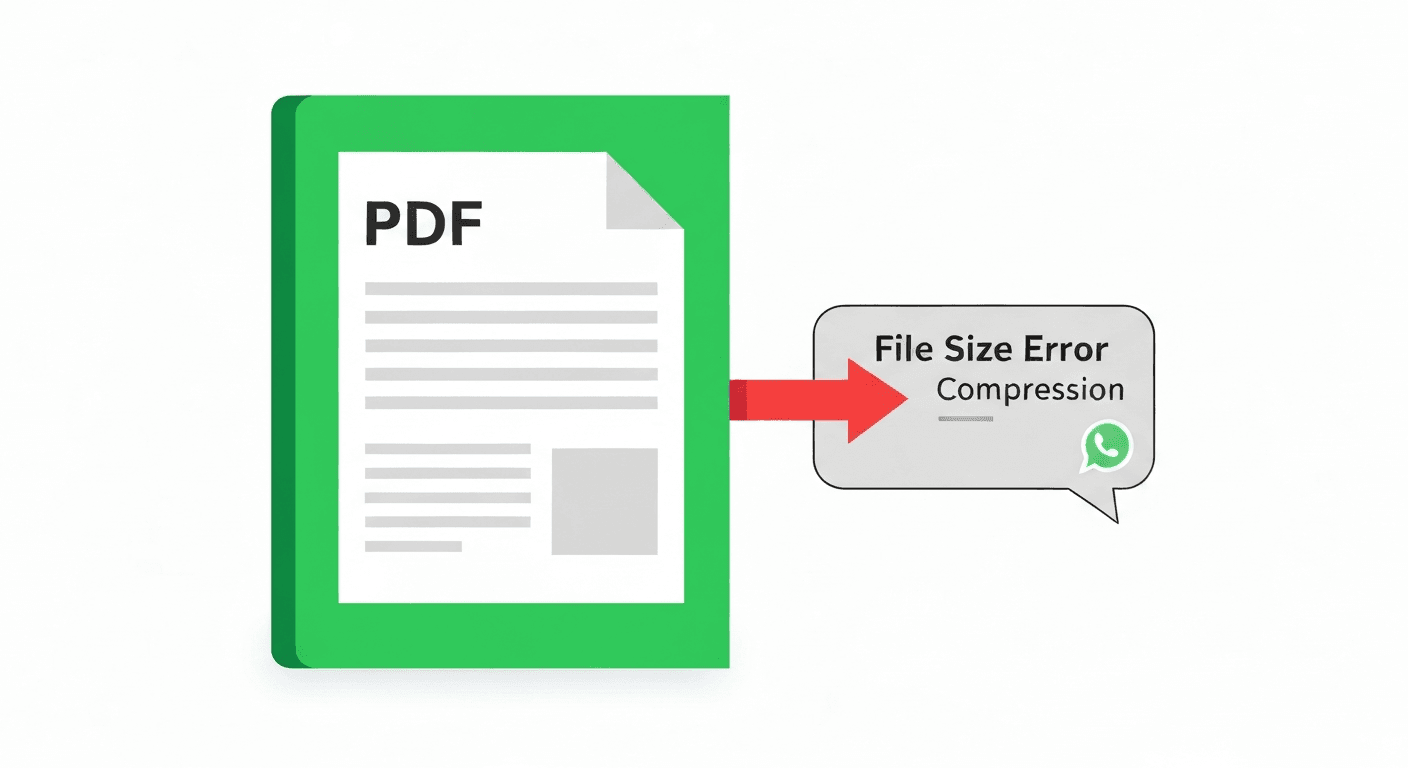
WhatsApp allows sharing PDF files as documents — but caps the file size at 100 MB. If your PDF is larger than that, the file simply will not send. Even under 100 MB, very large PDFs can be slow to upload and download on mobile data, frustrating the person receiving them.
The fix is to compress the PDF before sending. This guide shows you the fastest way to reduce any PDF's size so it goes through WhatsApp instantly — on both iPhone and Android, no app required.
How to compress a PDF for WhatsApp (step by step)
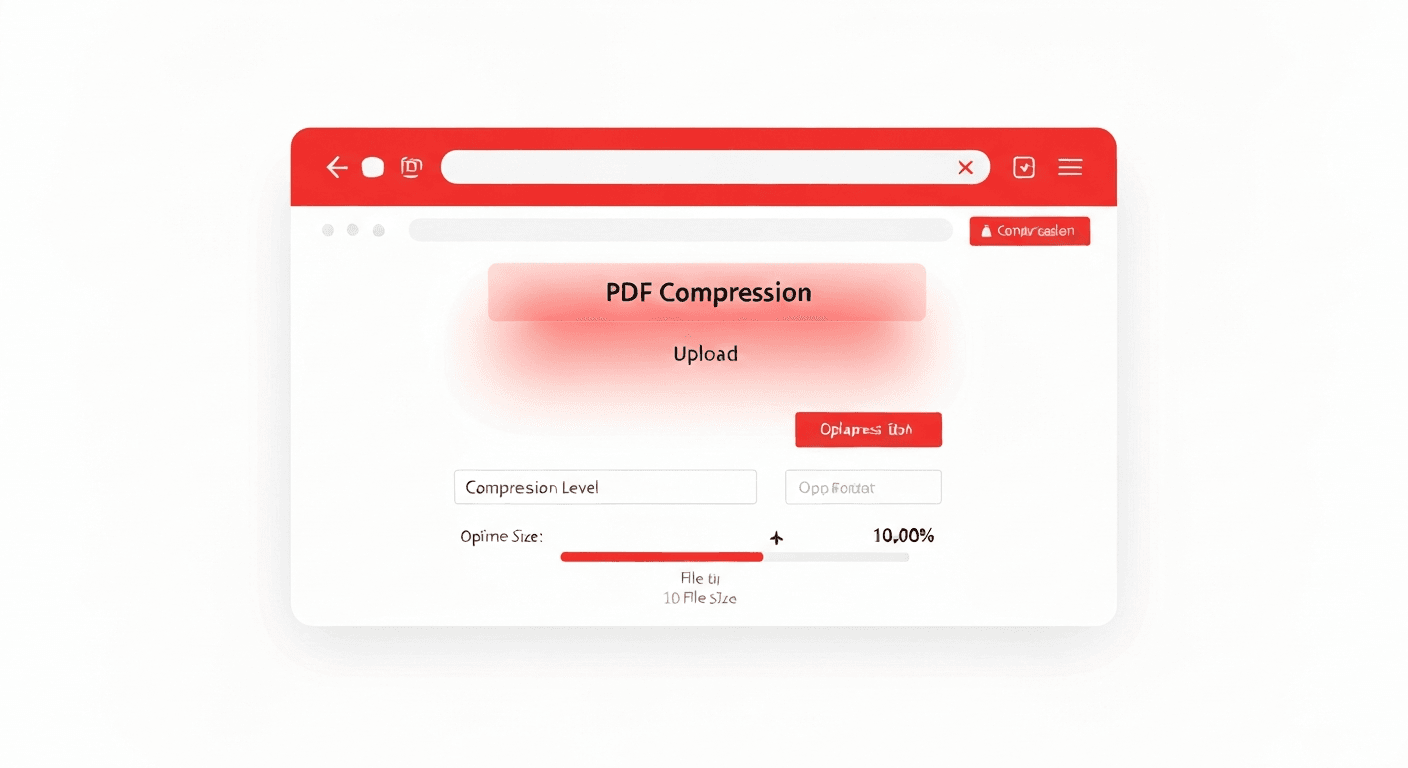
- 1Open pdftoolz.io/tools/compress-pdf on your phone or computer.
- 2Upload your large PDF. Tap to browse your files or drag it onto the tool.
- 3Choose compression level. 'Recommended' works for most PDFs. If the file is still too large, try 'Strong'.
- 4Tap 'Compress PDF' and wait — typically under 10 seconds.
- 5Download the compressed file and share it on WhatsApp as usual.
What makes a PDF large?
Most oversized PDFs come from one source: high-resolution images. A scanned document, a brochure, or a report with embedded photos can easily reach 50–200 MB because each image is stored at full camera or scanner resolution.
Compressing the PDF works by reducing image resolution to screen-friendly levels (typically 150–200 DPI instead of 300–600 DPI), stripping embedded metadata, and applying lossless compression to text and vector elements. The result looks identical on screen but can be 70–90% smaller.

Other ways to reduce PDF size on mobile
If you are on iPhone and prefer not to use a browser tool: open the PDF in the Files app, tap the Share button, then select 'Save to Files'. On the save screen, choose a smaller 'File Format' option if it appears. This method is unreliable and rarely reduces size significantly — a dedicated compressor gives much better results.
On Android, you can use Google Drive: upload the PDF, open it with Google Docs, then download it again as PDF. In some cases this re-exports at a lower image resolution — but results vary wildly and you can end up with a larger file. For reliable compression, the dedicated tool is always faster.
Frequently asked questions
QWhat is the maximum PDF size for WhatsApp?
WhatsApp allows document files (including PDFs) up to 100 MB. If your PDF exceeds this limit, the send button will be grayed out or you will see an error. Compress the PDF first to bring it under the limit.
QHow do I compress a PDF on iPhone for WhatsApp?
Open pdftoolz.io/tools/compress-pdf in Safari, upload your PDF, choose compression level, and download the result. Then open WhatsApp, go to the chat, tap the paperclip icon, select Document, and choose the compressed PDF from your Files app.
QHow do I send a large PDF on WhatsApp without compressing?
If you do not want to compress, you can split the PDF into smaller parts (under 100 MB each) and send them as separate files. Use pdftoolz.io/tools/split-pdf to divide the document.
QDoes compressing a PDF make it unreadable on WhatsApp?
No. Compression reduces image resolution slightly (noticeable only when zoomed in a lot) but text remains perfectly sharp and the document structure is fully preserved. For most business documents and reports, the difference is invisible.
QCan I compress a PDF for WhatsApp on Android?
Yes. Open Chrome on Android, go to pdftoolz.io/tools/compress-pdf, upload your PDF, compress it, and download. Then attach it in WhatsApp like any other file.