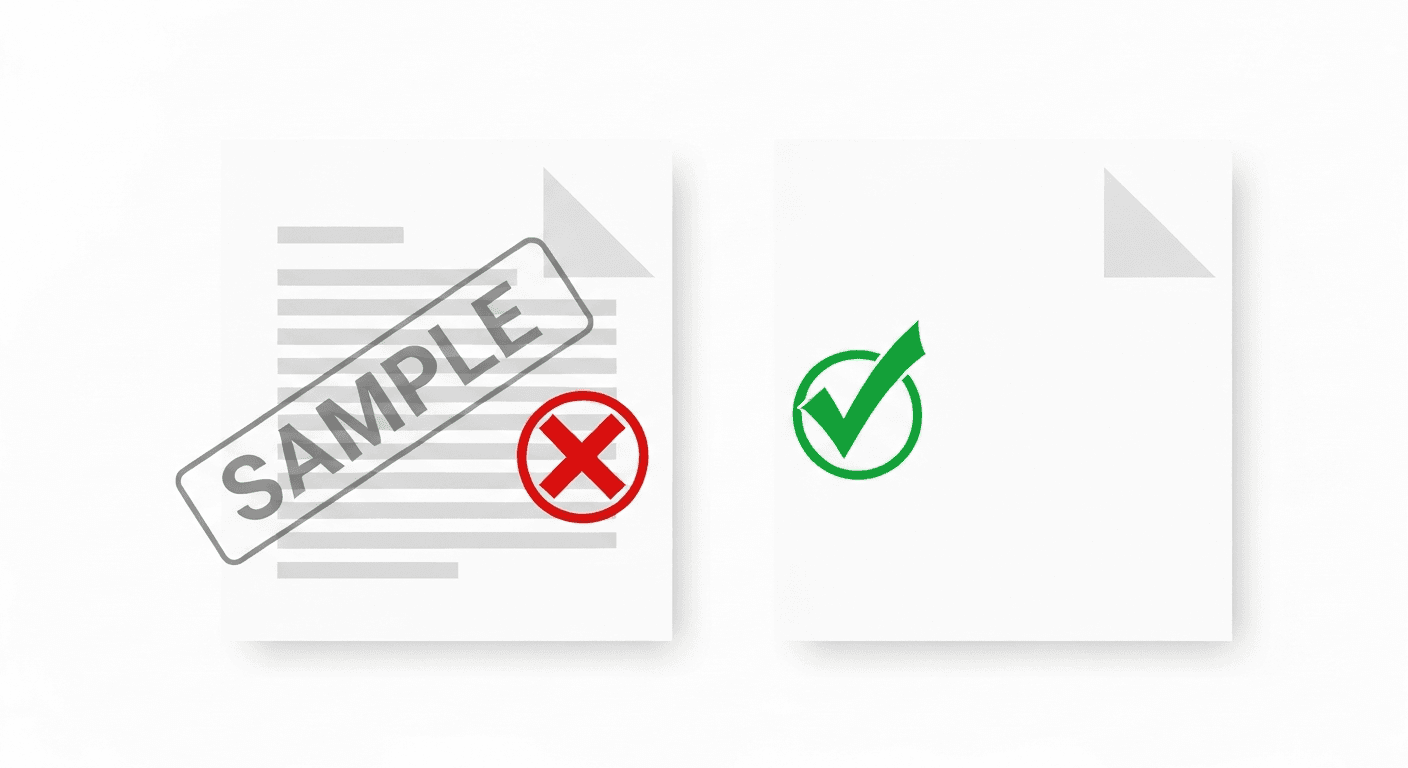
Searching for a free PDF tool is frustrating. Most popular platforms (iLovePDF, Smallpdf, PDF2Doc) impose daily limits or stamp a watermark on every output unless you subscribe. The watermark is how they monetise the free tier — which is fair for them, but unhelpful when you just need to send a clean document.
This guide compares the best free PDF tools that genuinely do not add watermarks to your output files in 2026, covering merge, compress, split, convert, and protect operations.
Why most free PDF tools add watermarks
PDF processing at scale is expensive: servers, bandwidth, storage, and the underlying libraries all cost money. Watermarks are a standard freemium conversion tactic — they make the free output noticeably degraded so that business users upgrade. For students, individuals, and occasional users, the watermark often makes the document unprofessional and unusable.
A few tools genuinely offer the full free experience without watermarks. These are typically newer entrants building an audience, open-source projects, or tools that monetise through premium feature tiers rather than output degradation.
Free PDF tools with no watermark in 2026
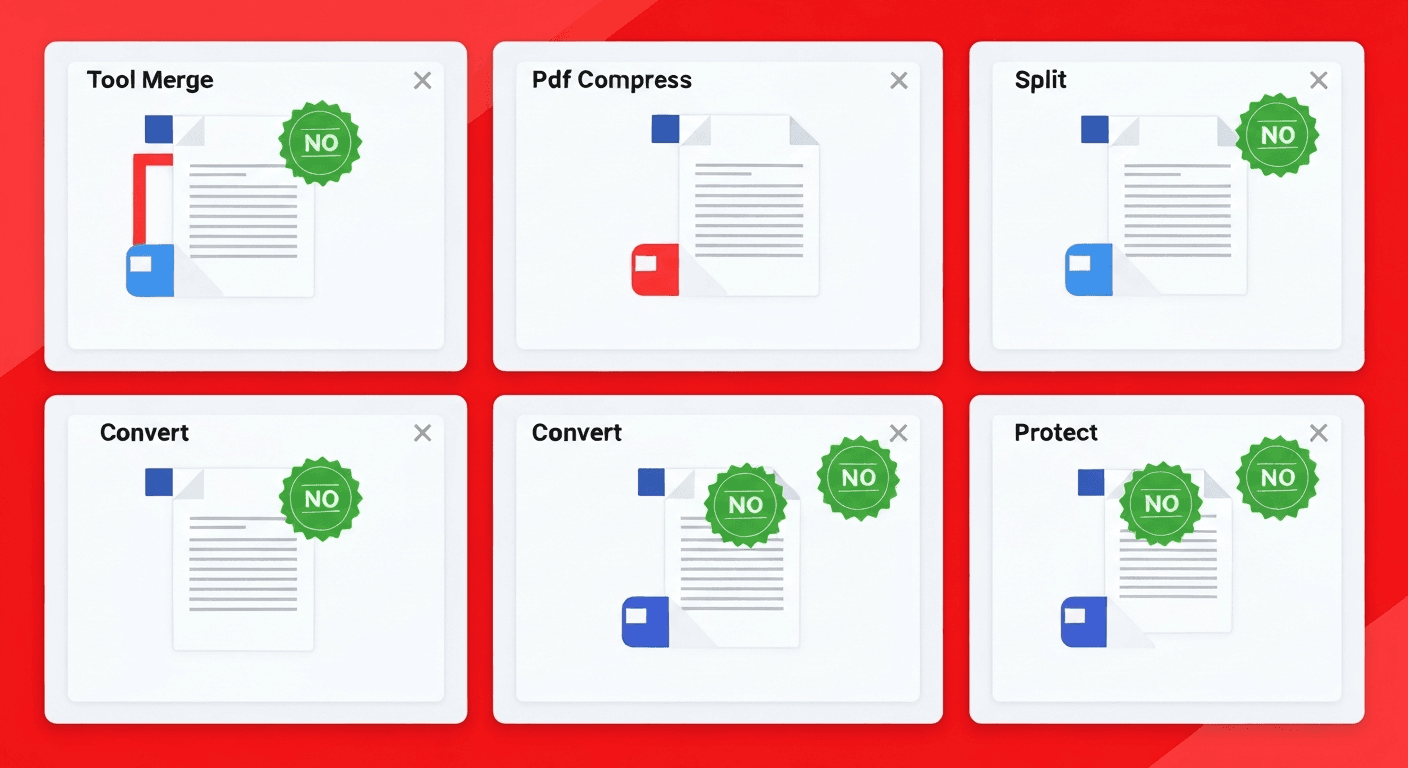
- pdftoolz.io — 29 tools including merge, compress, split, convert, protect, redact, watermark, rotate, translate, and more. No watermark on any output, no daily limits, no signup required. Files deleted after 2 hours.
- PDF24 Tools — German-made, privacy-focused, fully free with no watermarks. Slightly slower interface but comprehensive tool set. Open source client-side processing option available.
- ILovePDF (limited) — free tier exists but limits number of tasks per day. No watermark on free outputs but task count resets daily. Enough for occasional use.
- Smallpdf (limited) — two free tasks per day, no watermark on those tasks. Very restrictive for regular use but clean output when it works.
- LibreOffice (offline) — free, open-source desktop application that can open, edit, and export PDFs with no restrictions. Requires download but has zero limits once installed.
What to look for in a free PDF tool
- No output watermark. The output file should contain only your content, not the tool's branding.
- No signup required. Requiring an account is a tactic to collect email addresses for marketing. The best tools work without any registration.
- HTTPS encryption. Your PDFs may contain sensitive data. Any tool that processes files online should transfer them over HTTPS.
- File deletion policy. Reputable tools specify exactly when uploaded files are deleted from their servers (2 hours is standard).
- No file size limits on core tools. Some free tiers restrict file size to force upgrades. For most use cases, a 10–20 MB limit is acceptable.
Frequently asked questions
QWhich free PDF tool does not add a watermark?
pdftoolz.io offers 29 free PDF tools with no watermarks, no signup, and no daily limits. PDF24 is another strong option, particularly if you prefer a German-hosted privacy-focused alternative.
QIs iLovePDF free without watermark?
iLovePDF's free tier does not add watermarks to outputs — but it does limit the number of tasks per day. For occasional use it works fine. For regular high-volume use, the daily limit becomes restrictive.
QDoes Smallpdf add a watermark on the free plan?
Smallpdf's free plan allows 2 tasks per day and does not add watermarks to those tasks. It is one of the more restrictive free tiers available — two operations per day is very limited if you process PDFs regularly.
QCan I merge PDFs for free without a watermark?
Yes. pdftoolz.io/tools/merge-pdf merges PDFs with no watermark, no account needed, and no daily limits. The merged file contains only your original content.
QAre free PDF tools safe to use for sensitive documents?
Reputable tools like pdftoolz use HTTPS for all transfers and delete files automatically after 2 hours. For highly sensitive documents (legal, medical, classified), use an offline solution like LibreOffice or qpdf that never uploads your files.