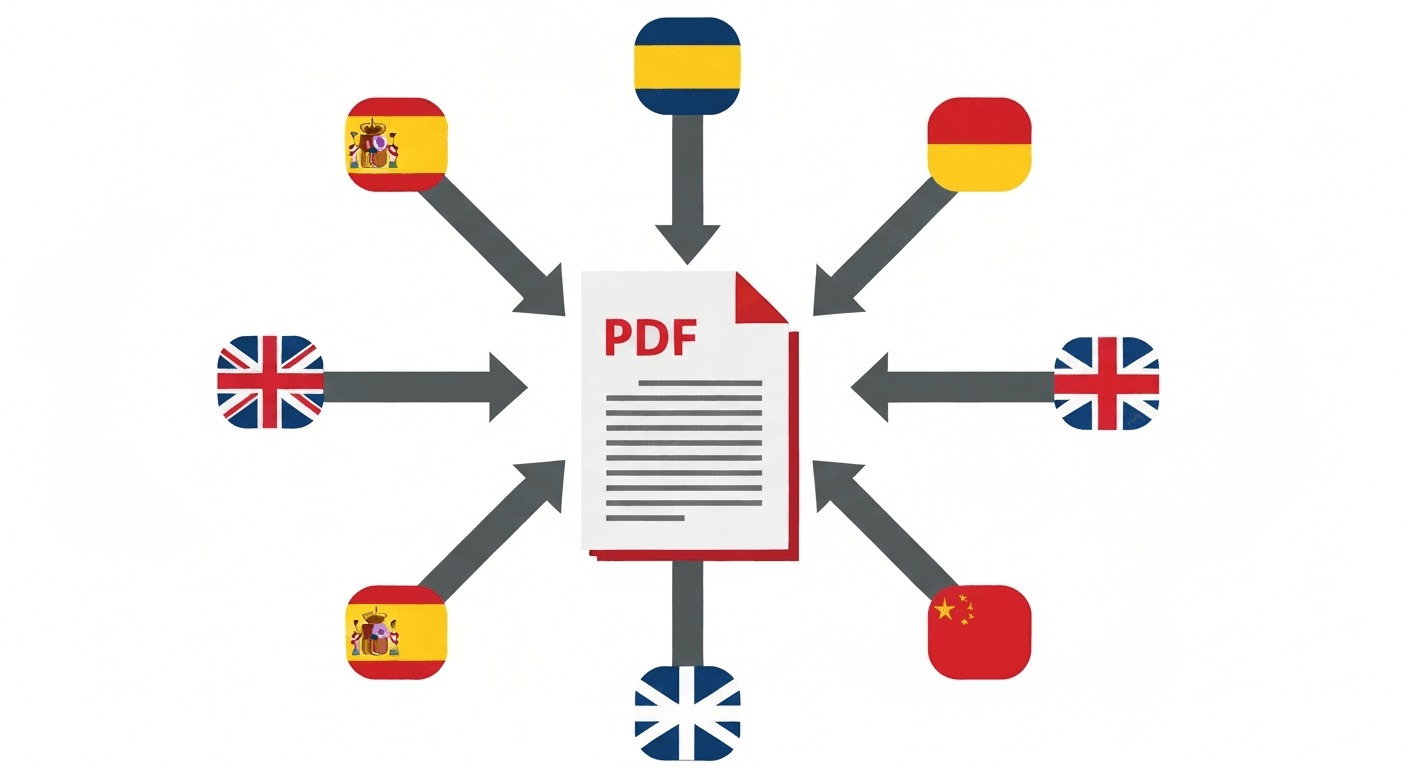
Translating a PDF to English is a common need: foreign language contracts, academic papers in Spanish or Chinese, user manuals in German, legal documents in French. The challenge is that PDFs are not directly editable — you cannot just paste them into Google Translate.
This guide shows you the fastest free method to translate any PDF to English, including scanned documents.
How to translate a PDF to English online (step by step)
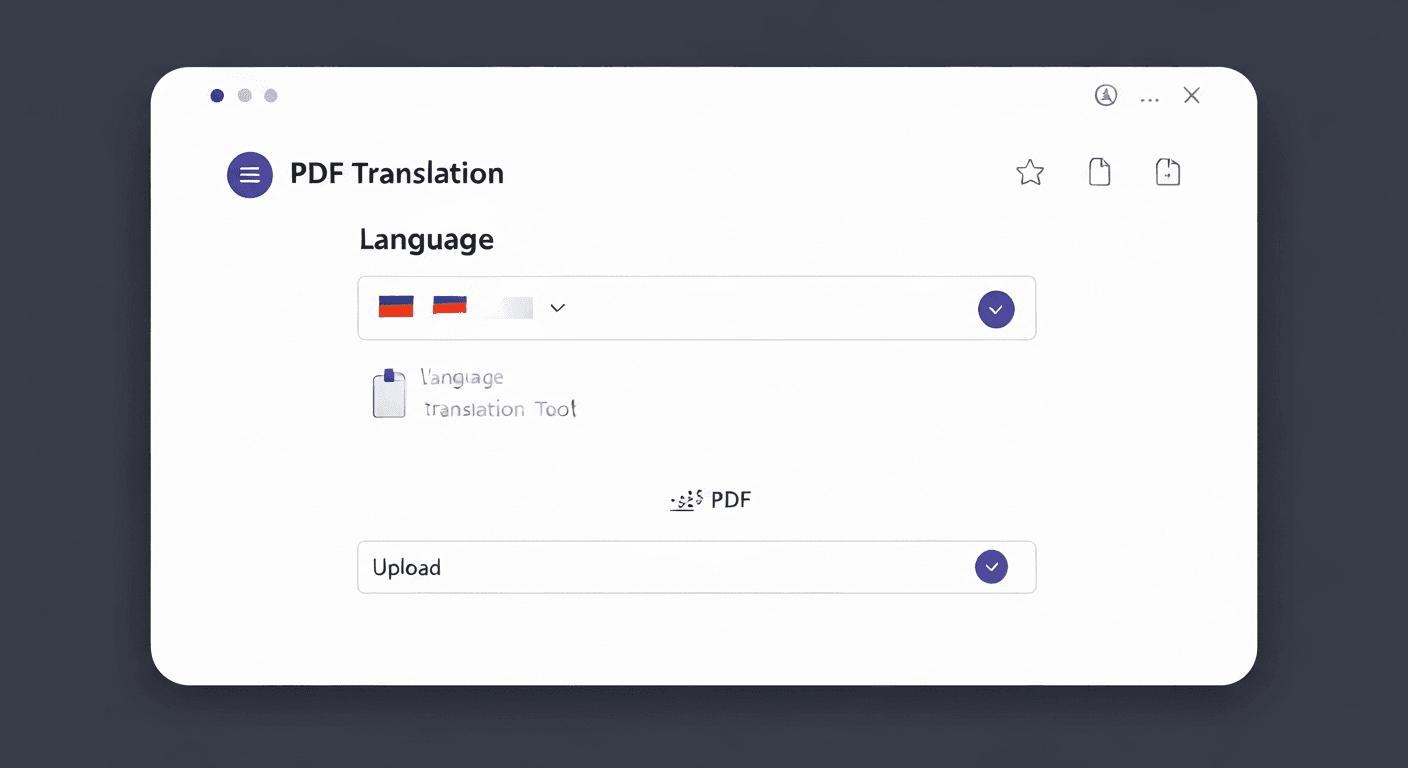
- 1Go to pdftoolz.io/tools/translate-pdf in your browser.
- 2Upload the PDF you want to translate.
- 3Select the source language (or leave it on Auto-detect).
- 4Select English as the target language.
- 5Click 'Translate PDF' and wait. Processing time depends on page count — a 10-page document takes about 30 seconds.
- 6Download the translated PDF. The layout is preserved as closely as possible.
Translate a scanned PDF to English
If your PDF is a scanned document (i.e. an image of a page rather than selectable text), the translation tool automatically runs OCR first to extract the text, then translates it. This works for scanned contracts, certificates, letters, and documents photographed with a phone.
One limitation: OCR accuracy depends on scan quality. A clear, well-lit scan of printed text will OCR with very high accuracy. Handwritten notes, low-resolution fax scans, or documents with heavy formatting may produce OCR errors that affect translation quality.
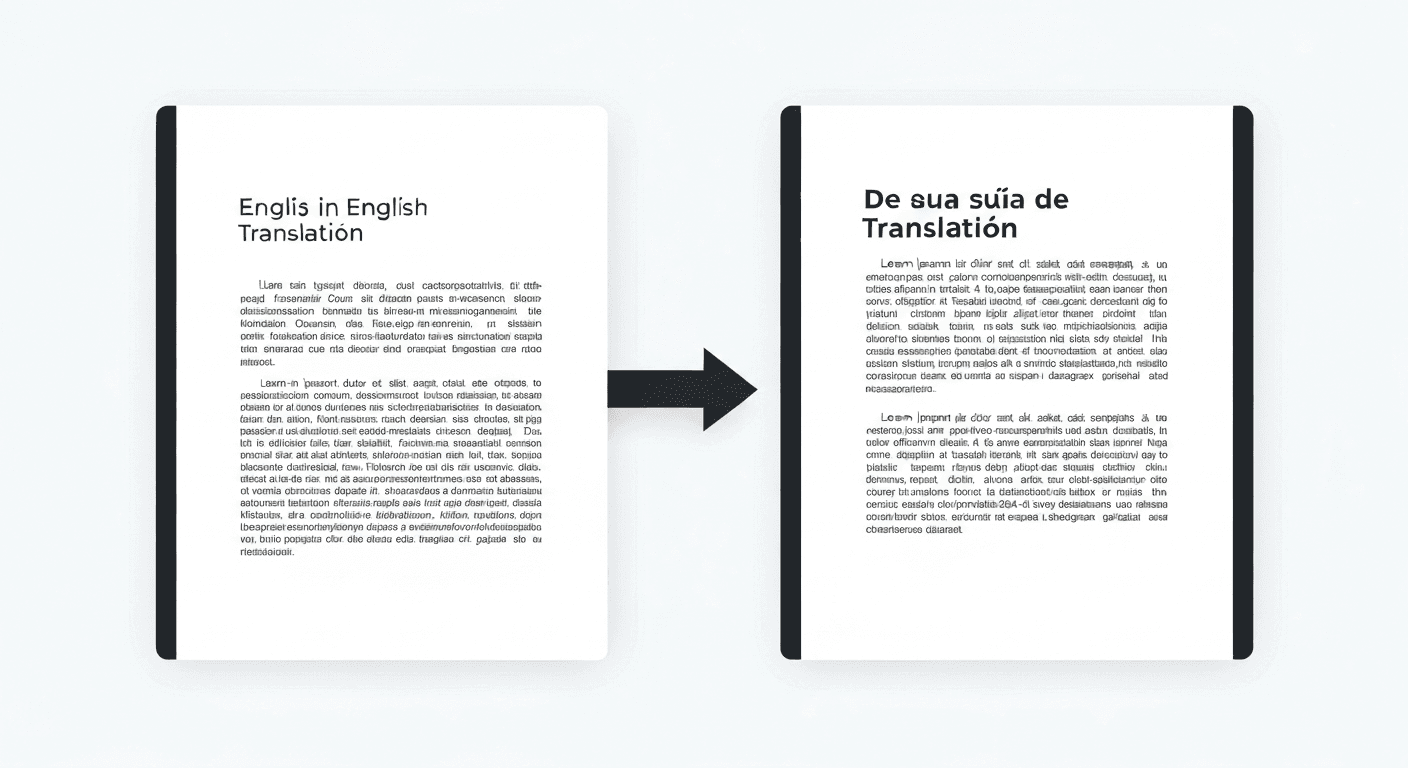
Which languages can be translated to English?
The tool supports 50+ source languages. The most commonly used pairs for English translation include: Spanish to English, French to English, German to English, Chinese (Simplified and Traditional) to English, Arabic to English, Portuguese to English, Russian to English, Japanese to English, Italian to English, and Dutch to English.
For less common language pairs, machine translation accuracy decreases. European language pairs (to/from English) are generally excellent for comprehension and business use. For legal translations or certified documents, always have a professional human translator review the output.
Frequently asked questions
QHow do I translate a PDF to English for free?
Go to pdftoolz.io/tools/translate-pdf, upload your PDF, select English as the target language, and download the translated document. Free, no signup required.
QCan I translate a scanned PDF to English?
Yes. The translate PDF tool automatically applies OCR to scanned documents before translating. Upload the scanned PDF, select English as the target, and the tool handles both extraction and translation.
QCan Google Translate translate an entire PDF?
Google Translate supports PDF file uploads (up to a certain size) at translate.google.com. It is a good free option for simple PDFs. For complex layouts or multi-page documents, a dedicated PDF translation tool preserves the structure better.
QHow do I translate a PDF without copying and pasting the text?
Upload the PDF directly to a PDF translation tool — no copying or pasting required. The tool processes the full document including images and layout and produces a translated PDF download.
QIs machine translation of PDFs accurate enough for business use?
For most European language pairs (Spanish, French, German, Italian ↔ English), machine translation is generally good enough for understanding, internal review, and business communication. For contracts, legal filings, or public-facing translations, have a professional translator review the output.