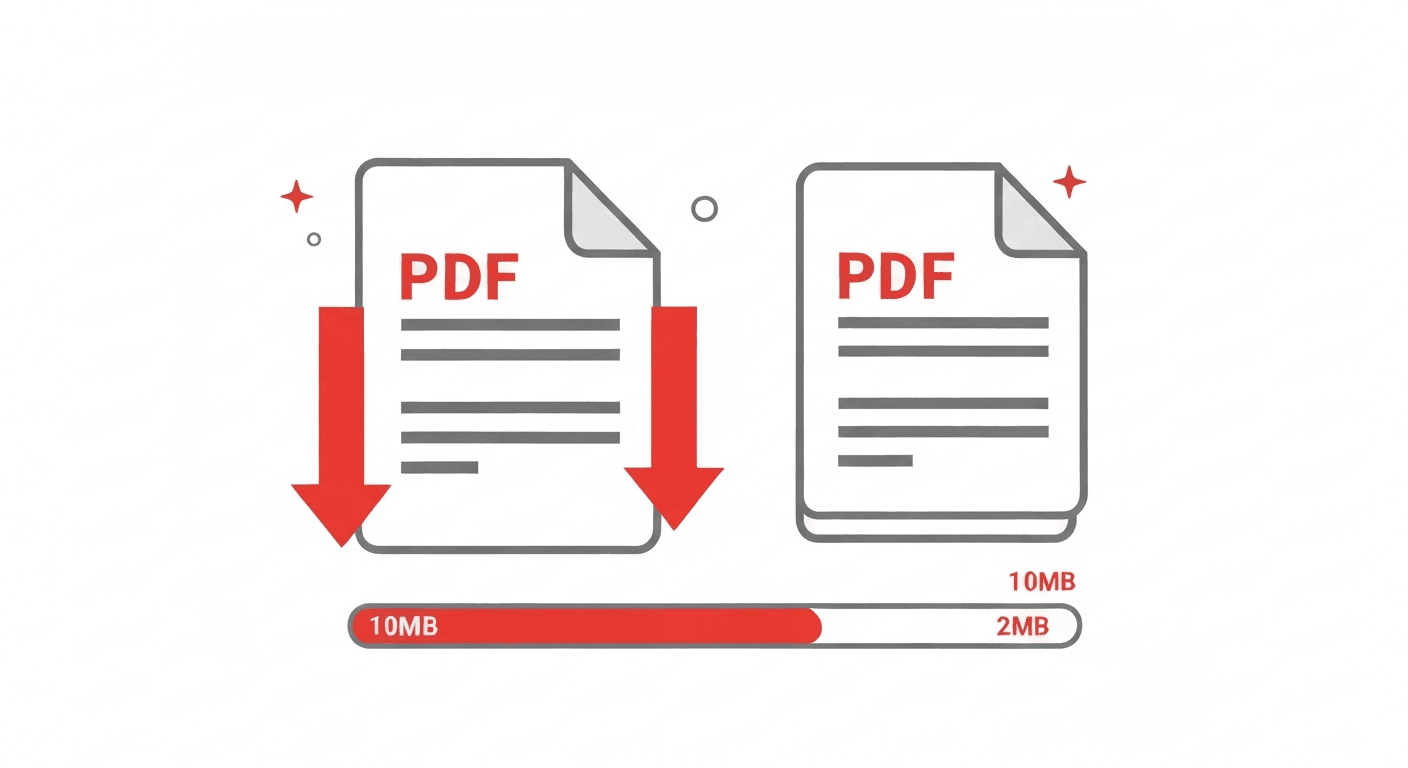
PDF files can get enormous fast — especially if they contain high-resolution images, embedded fonts, or scanned pages. A 50 MB PDF attachment bounces back from an email server. A 20 MB upload fails on a government portal. Sound familiar?
The good news: you can usually reduce a PDF's file size by 40–80% without any visible drop in quality. Here's how.
Why are PDFs so large in the first place?
File size in PDFs comes from a few main sources: embedded images (especially at print resolution), embedded fonts, redundant data from multiple save/edit cycles, and metadata.
Scanned PDFs are almost always the largest — each page is essentially a full-resolution photograph. A 20-page scanned document can easily reach 100 MB.
How to compress a PDF and reduce its file size (free)
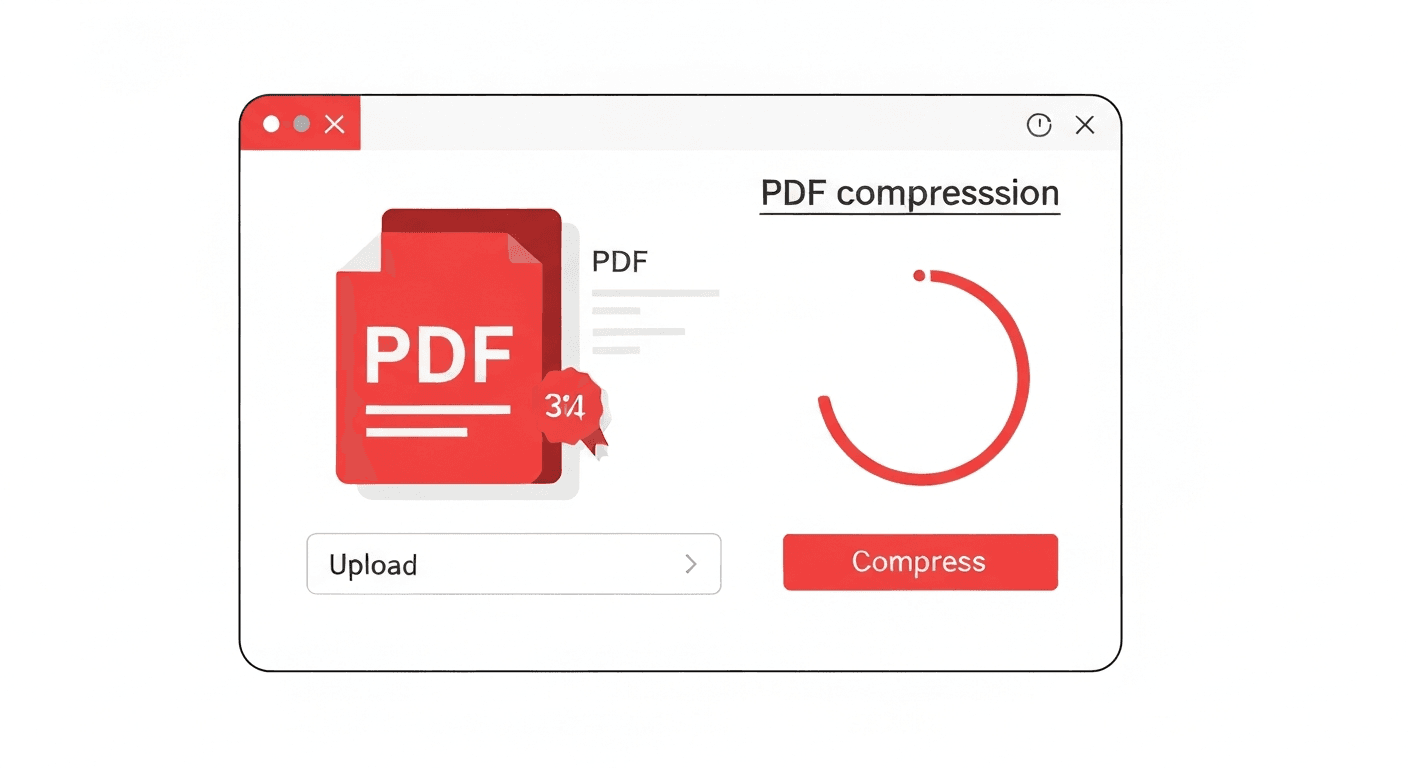
- 1Open the Compress PDF tool. No signup required.
- 2Upload your PDF. Drag and drop it onto the page or click to browse.
- 3Click 'Compress PDF'. The tool automatically analyses the file and applies the best compression.
- 4Download the result. You'll see how much space was saved before downloading.
How much can you reduce PDF file size?
Results vary significantly depending on the original file. Typical size reductions are:
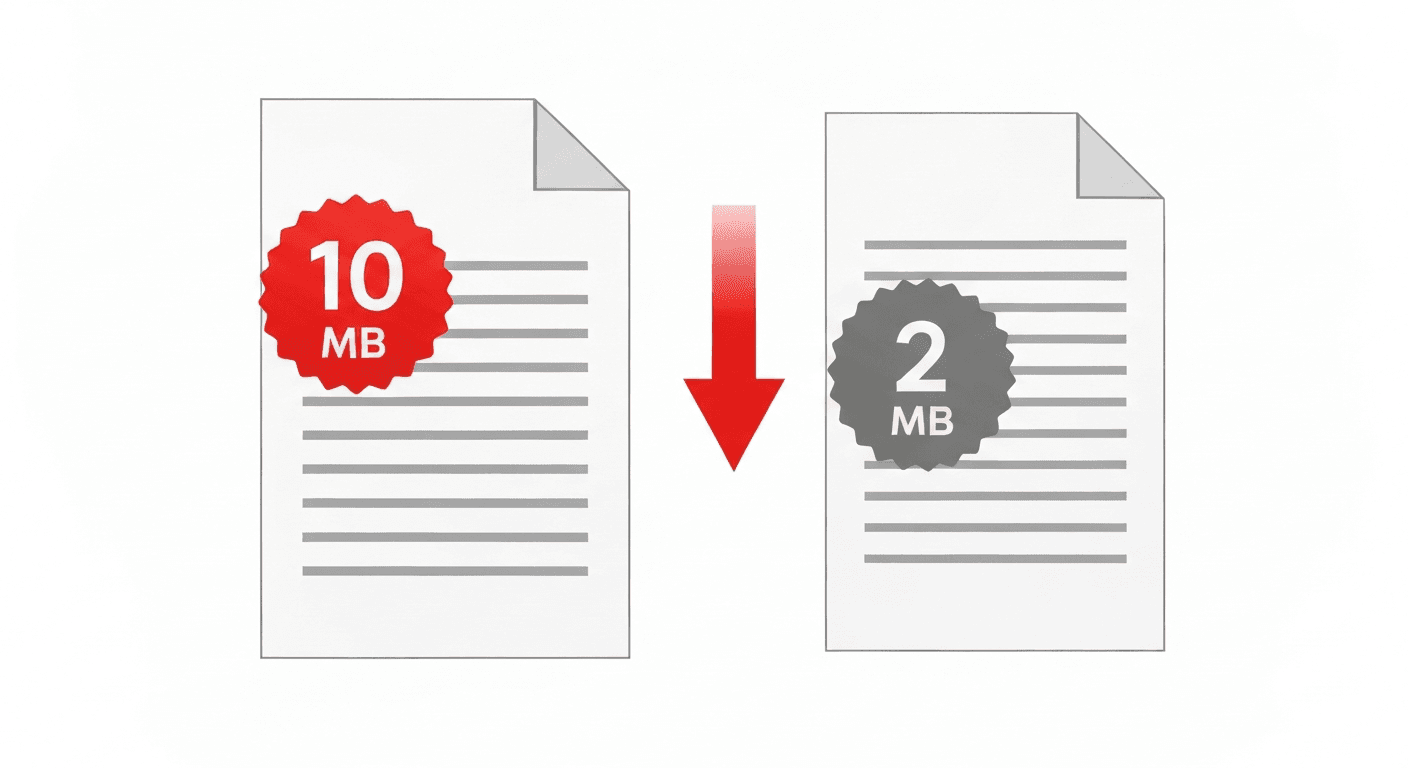
- PDF with images (photos, diagrams): 40–75% smaller
- Scanned document: 30–60% smaller
- Text-only document: 5–20% smaller (already compact, less room to compress)
- PDF previously compressed: Minimal reduction — already optimised
Does compression affect text quality or readability?
No. The text in your PDF is stored as vector data — it's not affected by image compression at all. Text will remain perfectly sharp and selectable at any zoom level after compression.
Images may be slightly reduced in resolution, but the difference is typically invisible at normal screen viewing and entirely acceptable for email or web use.
How to compress a PDF on iPhone or Android
Open pdftoolz.io/tools/compress-pdf in Safari (iPhone) or Chrome (Android). Tap 'Choose file', select your PDF from the Files app, Google Drive, or local storage. Tap 'Compress PDF' and download the smaller file directly to your device.
Frequently asked questions
QWill compressing a PDF damage the file?
No. PDF compression only reduces redundant data and optimises image encoding. The document structure, text, fonts, and layout are fully preserved.
QHow do I reduce a PDF file size for email?
Use pdftoolz.io/tools/compress-pdf — upload your PDF, click Compress, and download the smaller version. Most email providers have a 10–25 MB attachment limit; compression typically reduces files well below that threshold.
QHow do I compress a PDF on iPhone?
Open Safari on your iPhone, go to pdftoolz.io/tools/compress-pdf, tap 'Choose file', select your PDF from Files or Photos, and tap Compress. The compressed file downloads directly to your phone. No app needed.
QIs there a file size limit for compression?
Guest users can compress PDFs up to 10 MB. Free account holders up to 25 MB. Pro users up to 200 MB. Create a free account in seconds if your file exceeds the guest limit.
QWhy is my PDF still large after compressing?
If a PDF has already been compressed before (or is text-only), there's little additional data to remove. For scanned PDFs that remain large, try reducing scan resolution or converting to PDF/A format.