You're submitting a document to a court, a government agency, or an employer — and they specifically ask for 'PDF/A format'. Or maybe your document management system requires it for archiving. What exactly is PDF/A, and how do you create it?
What is PDF/A?
PDF/A is an ISO-standardised version of the PDF format specifically designed for long-term archiving of electronic documents. The 'A' stands for Archive.
A regular PDF can link to external resources, use encryption, contain JavaScript, or rely on fonts installed on your system. PDF/A prohibits all of these — everything the document needs to display correctly must be embedded within the file itself.
This makes PDF/A documents completely self-contained and readable decades from now, even if the software or fonts used to create them no longer exist.
PDF/A-1, PDF/A-2, and PDF/A-3 — what's the difference?
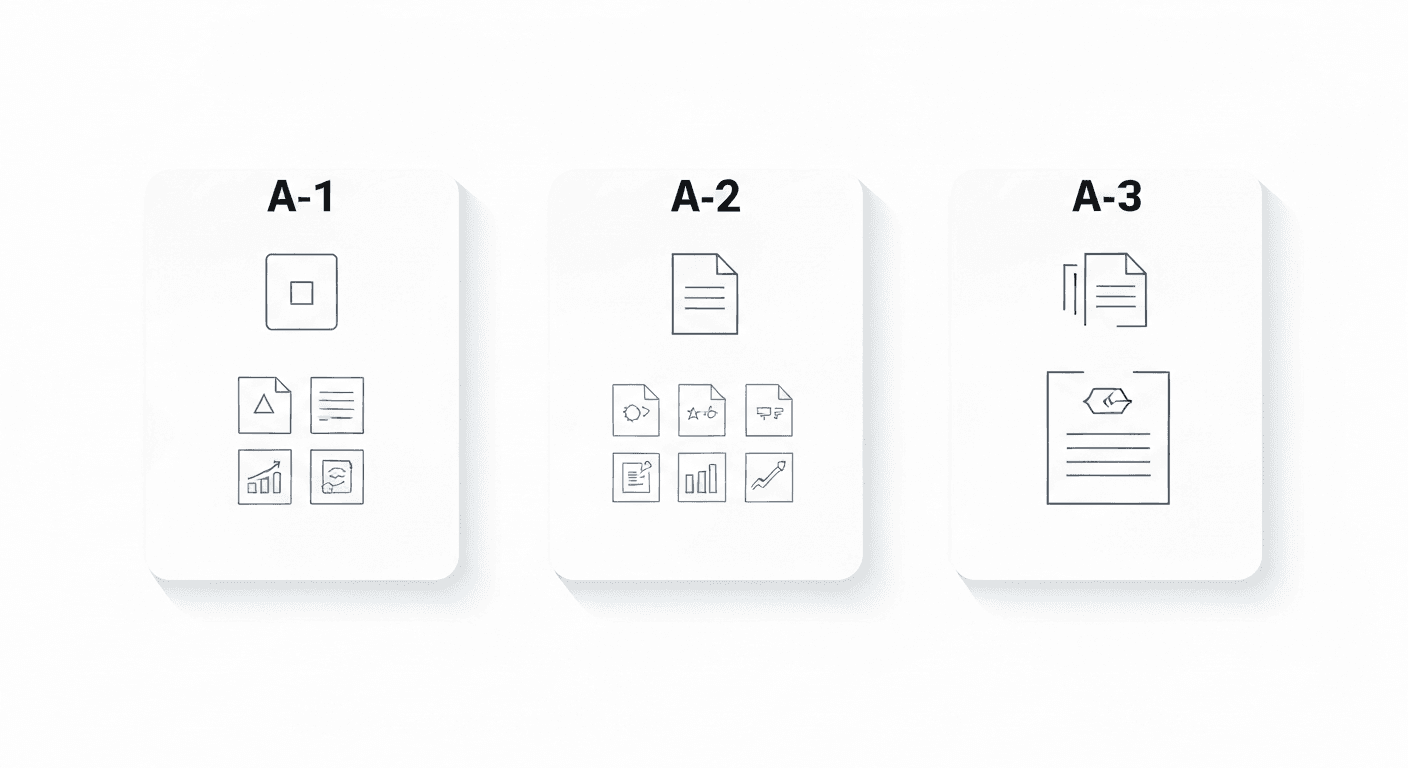
- PDF/A-1 (ISO 19005-1): The original standard. Most restrictive. Widely accepted by courts and government agencies.
- PDF/A-2 (ISO 19005-2): Adds support for JPEG 2000 compression, transparency, and attachments. Better for modern documents.
- PDF/A-3 (ISO 19005-3): Allows embedding of any file type as an attachment. Used in e-invoicing standards like ZUGFeRD and Factur-X.
When do you need PDF/A format?
- Legal submissions: Many courts worldwide require PDF/A format for electronic filings.
- Government documents: Public administrations in the EU and elsewhere require PDF/A for official submissions.
- Long-term corporate archiving: ISO 9001 and other management systems often require archiving in a standard format.
- Medical records: Healthcare providers archiving patient records for legally required retention periods.
- Academic institutions: Theses and dissertations submitted digitally are often required in PDF/A.
How to convert a PDF to PDF/A (free, online)
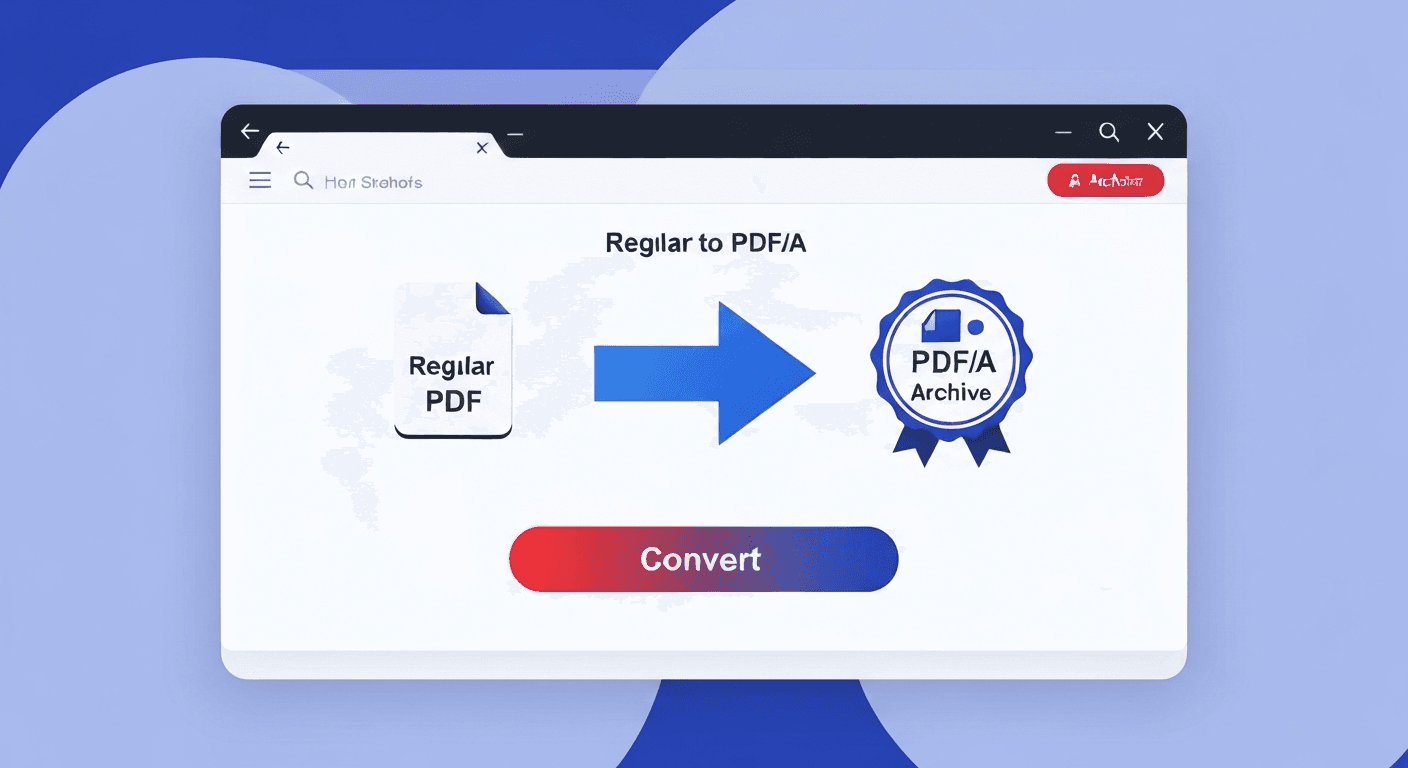
- 1Go to the PDF to PDF/A tool. No signup needed.
- 2Upload your PDF. Any standard PDF is accepted.
- 3Click convert. The tool validates and converts the file to PDF/A-2b compliance.
- 4Download your PDF/A file. Ready for submission to any system requiring PDF/A.
Does converting to PDF/A change how the document looks?
In most cases, no. The visual content — text, images, layout — remains identical. The main changes happen under the hood: external links are removed, JavaScript is stripped, and fonts are embedded if they weren't already.
One visible change: if your PDF uses transparency effects (common in professionally-designed documents), these are flattened. The result looks the same but is stored differently to meet the PDF/A standard.
Frequently asked questions
QCan I open a PDF/A file like a normal PDF?
Yes. PDF/A files open in any standard PDF reader — Adobe Acrobat, Preview, Chrome's built-in viewer, mobile apps. They look and behave exactly like regular PDFs. The difference is purely in the internal structure.
QWill a PDF/A file be larger than the original?
Slightly, sometimes. Because fonts and colour profiles must be fully embedded, the file size can increase marginally. The difference is usually small — often less than 10%.
QCan I convert a scanned PDF to PDF/A?
Yes. Scanned PDFs convert to PDF/A without issues since they are image-based. Note that the text in scanned PDFs may not be searchable unless you run OCR first. For archiving purposes, run OCR PDF before converting to PDF/A.
QWhat is the difference between PDF and PDF/A?
A regular PDF can contain JavaScript, external links, encryption, and font references to the system. PDF/A strips all of these and embeds everything needed to display the file, making it self-contained and suitable for long-term archiving.
QWhich PDF/A version should I use?
PDF/A-2b is the best choice for most use cases — it's widely accepted by courts, governments, and archiving systems, and supports modern features like JPEG 2000 compression. Only use PDF/A-1b if the receiving institution specifically requires it.