PDF redaction — permanently removing sensitive information from a document — has historically required Adobe Acrobat Pro. At $20–$30/month, that is overkill for most people who need to black out a few lines before sharing a contract, invoice, or personal document.
This guide shows how to properly redact a PDF without Adobe, for free, online. It also explains why 'covering' text with a black box in Word or a free annotation tool does not count as real redaction.
How to redact a PDF without Adobe Acrobat
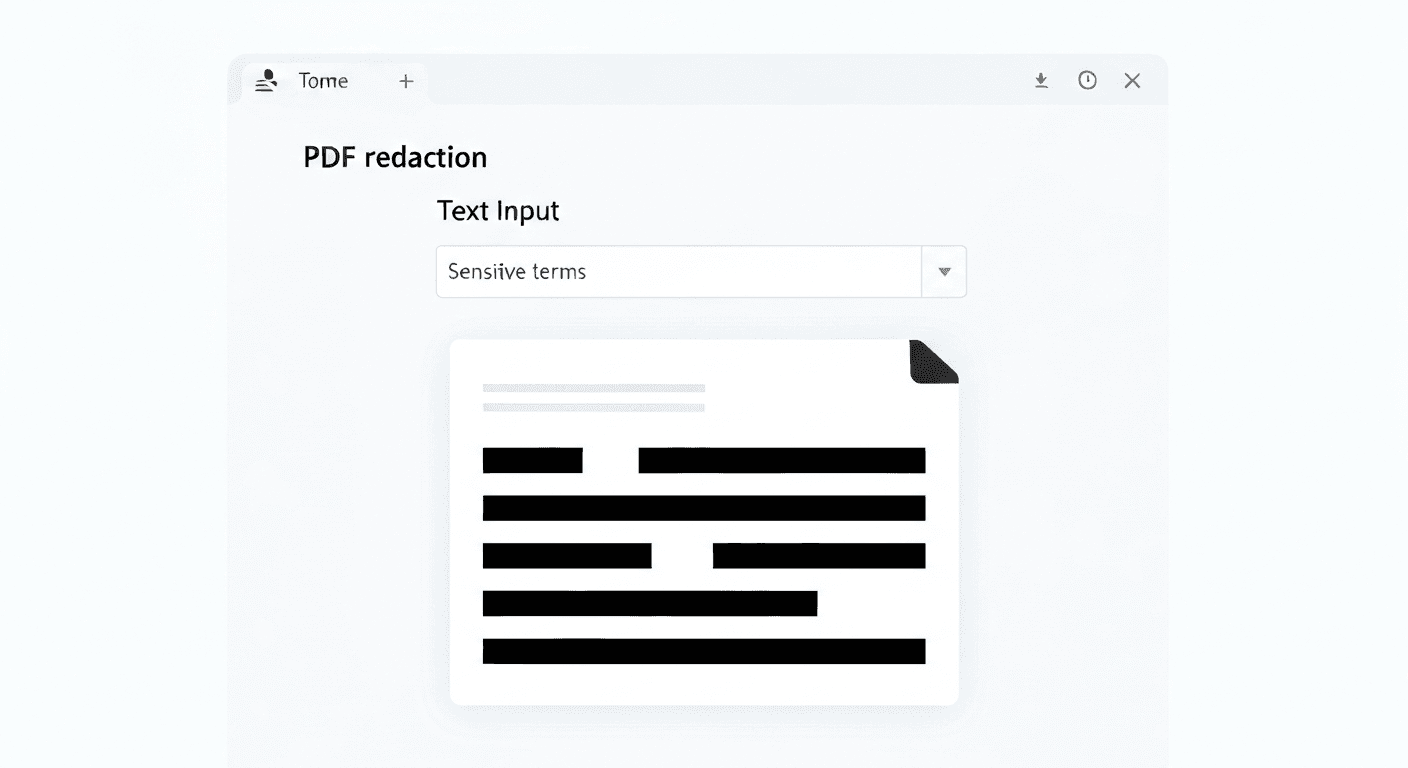
- 1Go to pdftoolz.io/tools/redact-pdf — no account or download required.
- 2Upload your PDF. Drag the file onto the tool or click to browse.
- 3Enter the text you want to remove — names, account numbers, addresses, dates, or any sensitive phrase.
- 4Click 'Redact PDF'. The tool searches the full document and permanently removes every occurrence of the specified text.
- 5Download the redacted PDF. The redacted areas are replaced with solid black bars — the underlying data is gone.
Why you cannot just put a black box over the text
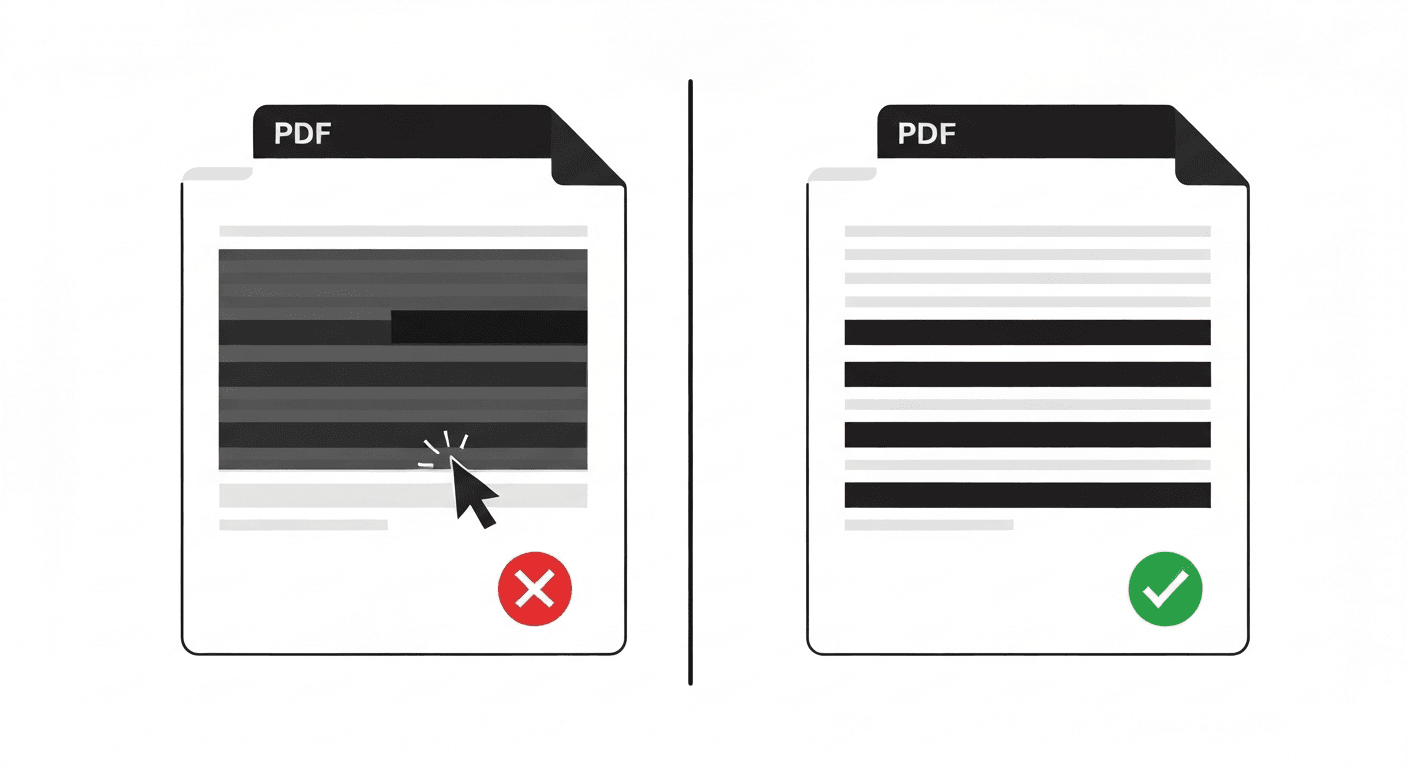
This is the most common redaction mistake. In many PDF annotation tools (Adobe Acrobat Reader included), adding a black filled rectangle on top of text does not remove the underlying text data. Someone can select the hidden text with their cursor, copy it, and paste it — the 'redaction' is completely bypassed.
Similarly, printing a PDF and scanning it back does create an image-based PDF where text is no longer copyable — but this is a crude workaround that reduces quality, increases file size, and makes the document non-searchable.
True redaction removes the text content from the PDF structure permanently. The black bar is just the visual indicator — the data is gone.
What can be redacted with this tool?
The pdftoolz redaction tool searches all text content in the PDF and removes specified strings. This works for: full names, partial names, email addresses, phone numbers, account numbers, social security numbers, addresses, dates, or any custom phrase.
One important limitation: if your PDF is a scanned image (not a text-based PDF), the text is not machine-readable and text-based redaction will not work. For scanned PDFs, run OCR first via pdftoolz.io/tools/ocr-pdf, then redact the resulting text-based PDF.
Frequently asked questions
QIs there a free way to redact a PDF without Adobe?
Yes. pdftoolz.io/tools/redact-pdf is completely free, requires no signup, and permanently removes specified text from any PDF. No Adobe Acrobat subscription needed.
QCan I redact a PDF in Google Docs?
Not properly. Google Docs has no redaction feature. You can add black shapes over text, but as with annotation tools, the underlying text remains in the file and can be recovered. Use a dedicated redaction tool for genuine removal.
QDoes PDF redaction permanently delete the text?
Yes — when using a proper redaction tool. The text data is removed from the PDF's internal structure and replaced with a black bar. It cannot be recovered. This is different from annotation-based 'black boxes' which only cover the text visually.
QHow do I redact a PDF on Mac for free without Adobe?
Use pdftoolz.io/tools/redact-pdf in Safari or Chrome. Upload the PDF, enter the text to redact, and download the permanently redacted file. No desktop software needed.
QCan I redact images in a PDF (not just text)?
The pdftoolz text-based redaction removes specified text strings. For redacting images or visual areas of a PDF, you would need a tool that supports area-based redaction. Text-based PDFs are covered by the current tool.