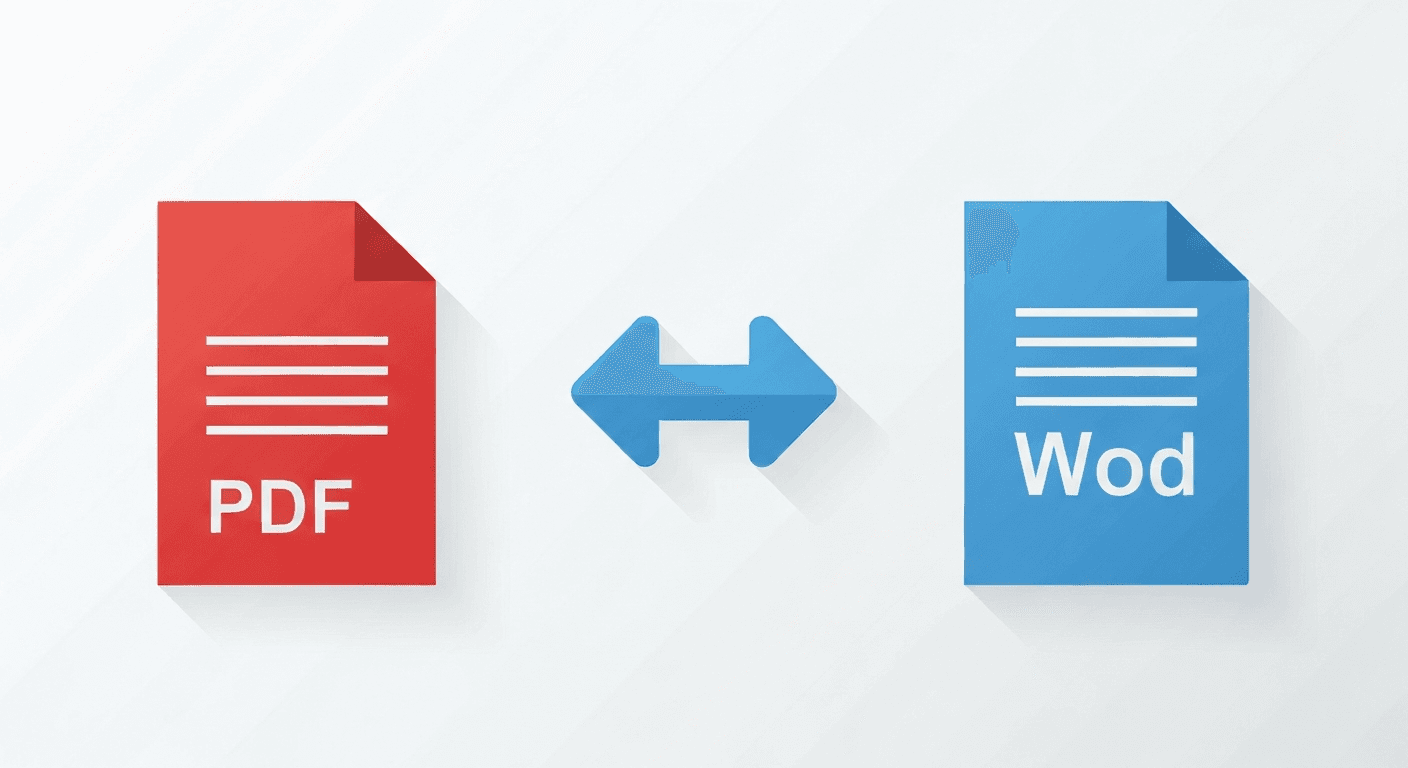
You receive a PDF contract, a report, or a form — and you need to edit it. The problem: PDFs aren't designed to be edited directly. The solution: convert PDF to Word first, edit in Microsoft Word or Google Docs, then export back to PDF.
PDF to Word conversion is one of the most-used features in any PDF toolkit. But results can vary wildly depending on the source file. This guide explains exactly what to expect and how to get the best output.
How to convert PDF to Word online (free)

- 1Go to the PDF to Word tool. No account required.
- 2Upload your PDF. Click 'Choose file' or drag and drop.
- 3Click convert. Processing takes a few seconds.
- 4Download your .docx file. Open it in Microsoft Word, Google Docs, or LibreOffice.
What types of PDFs convert best?
Not all PDFs are equal. Here's what to expect from different types:
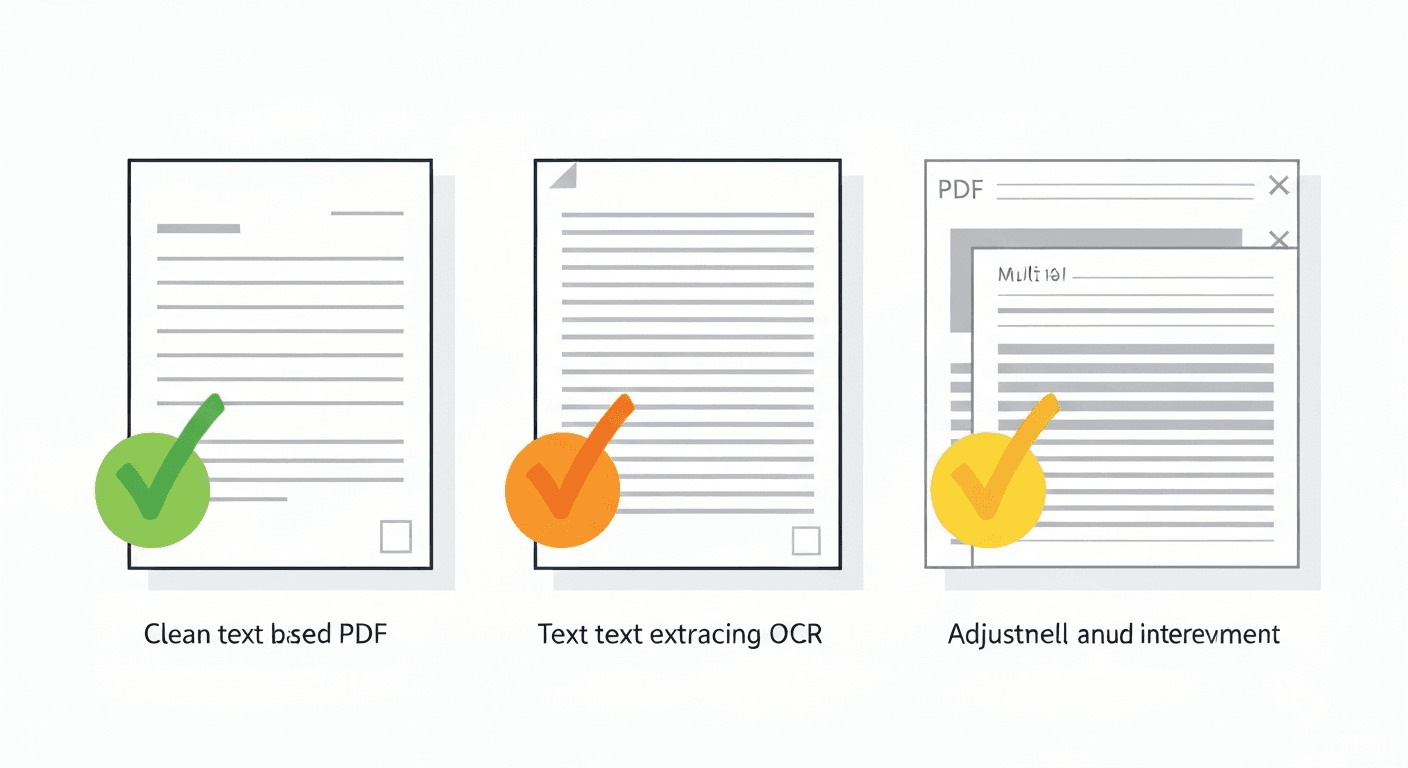
- Text-based PDFs (created from Word or similar): Excellent results. Text, headings, tables and basic formatting are preserved accurately.
- Scanned PDFs (photographed documents): Results depend on scan quality. The text is extracted using OCR — accuracy is usually 95%+ on clean scans.
- PDFs with complex layouts (columns, sidebars): Reasonable results, though complex multi-column layouts may need manual tidying afterwards.
- PDFs with lots of images: Images are included but may shift position. Plan to adjust image placement in Word.
Will fonts and formatting be preserved?
Standard fonts (Arial, Times New Roman, Calibri) are always preserved. Custom or uncommon fonts may be substituted with the nearest match available on your system.
Basic formatting — bold, italic, font size, paragraph spacing — is typically preserved. Complex formatting like custom styles or theme colours may need minor adjustment after conversion.
Can I convert a password-protected PDF to Word?
Not directly. You'll need to remove the password first using the Unlock PDF tool, then convert the unlocked file to Word.
Converting Word back to PDF
Need to go the other way? Use the Word to PDF tool. It converts .docx files to PDF while preserving all formatting perfectly — ideal when you need to share a document that shouldn't be accidentally edited. Word to PDF is also one of the most searched PDF tasks, with millions of monthly searches.
Frequently asked questions
QIs the PDF to Word converter really free?
Yes. Guest users can convert without any account. Free account holders get more conversions per hour. No credit card ever required for the free tier.
QWhy does my converted Word document look different from the PDF?
PDFs and Word documents use fundamentally different layout systems. PDFs use fixed coordinates; Word uses flow-based layout. Some repositioning of elements is normal and expected, especially for complex multi-column designs.
QHow do I convert a PDF to Word on Mac?
Open pdftoolz.io/tools/pdf-to-word in Safari or Chrome, upload your PDF, and download the .docx file. Open it directly in Microsoft Word for Mac or drag it into Google Docs for editing.
QCan I edit a PDF in Word without converting it?
Microsoft Word 2013 and later can open PDF files directly and attempt to convert them for editing. However, results are often inconsistent for complex PDFs. Using a dedicated PDF to Word converter like pdftoolz typically produces better results.
QHow do I convert a scanned PDF to an editable Word document?
Run the scanned PDF through the OCR PDF tool first. OCR converts the scanned page images into real, extractable text. Then convert the OCR-processed PDF to Word for an editable .docx.